Conduct EMDR Inside Any Telehealth Platform
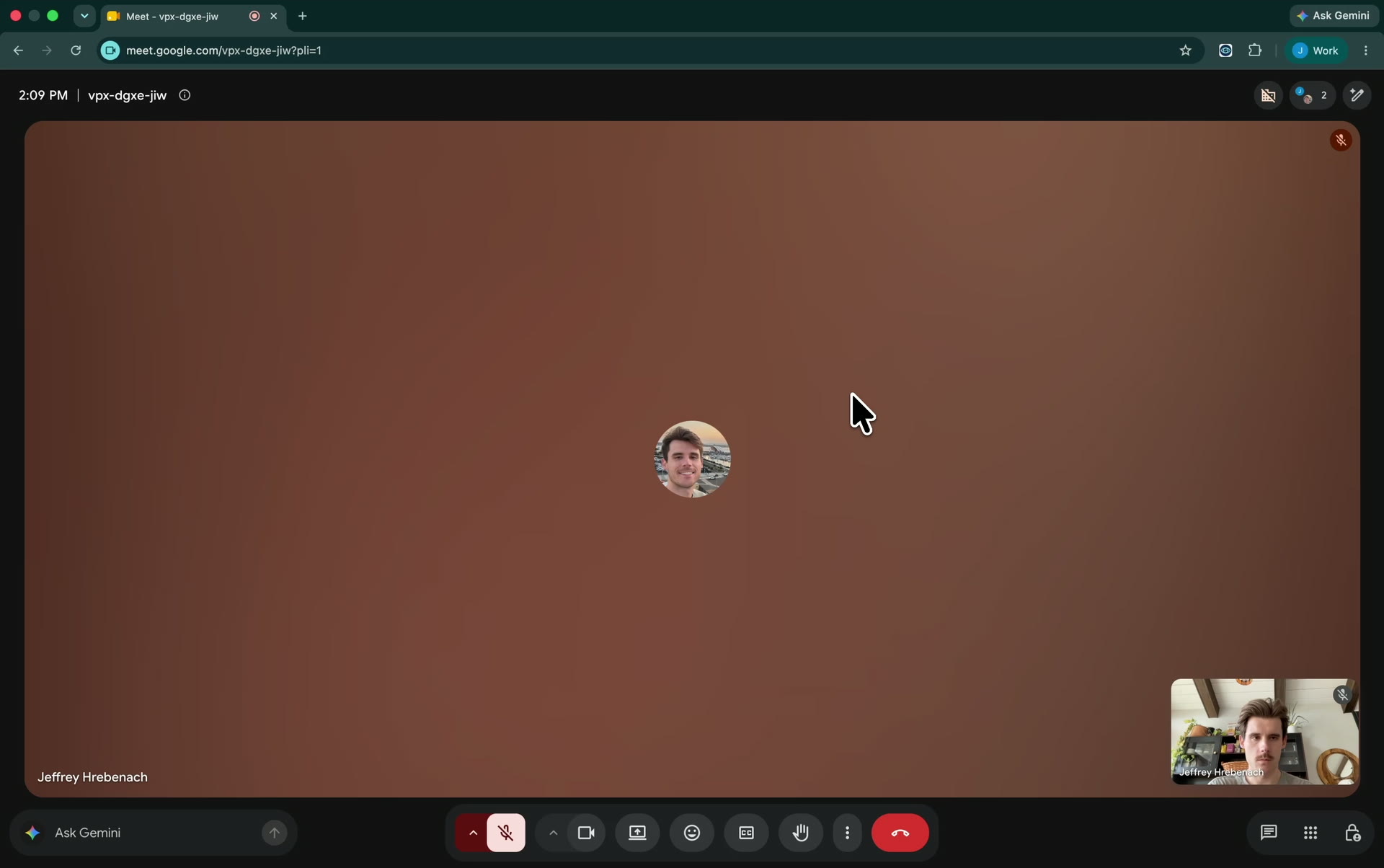
- Works inside any telehealth call.
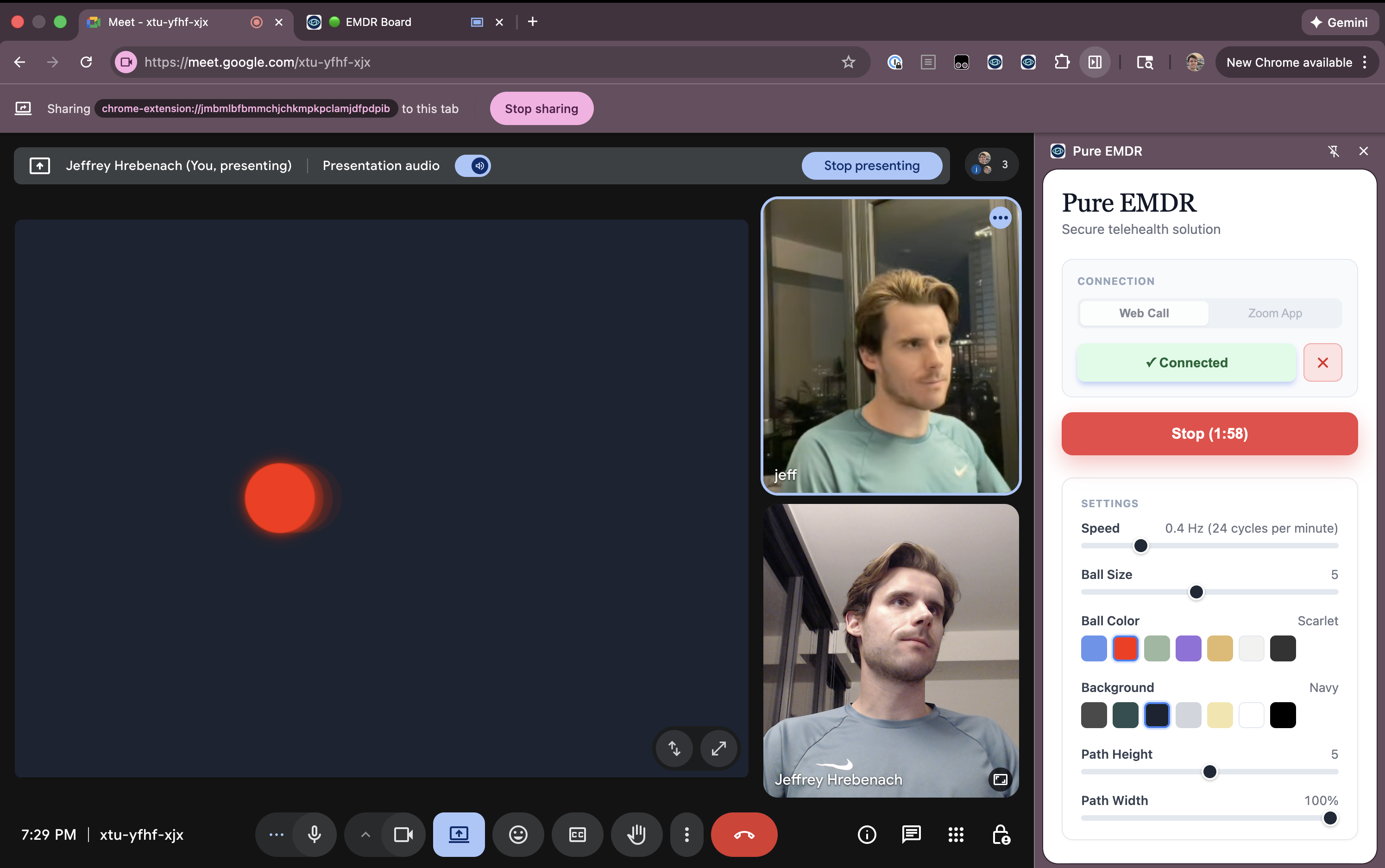
- Customize colors, speed, and path from a docked remote.
- No setup for your client.
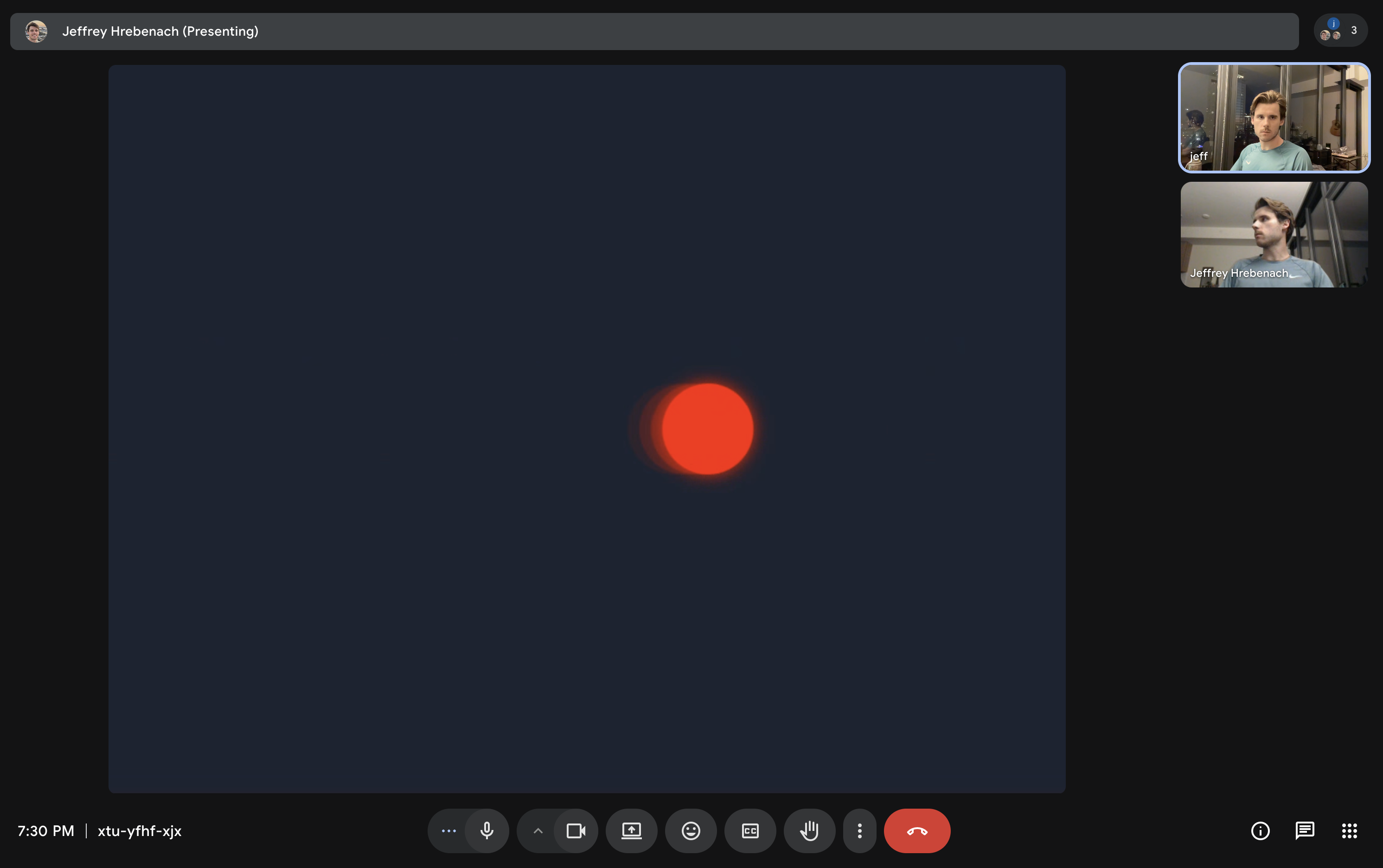
- Watch us start BLS in 10 seconds using Pure EMDR inside Google Meet

Pure EMDR Premium · Coming October 2026
Your first month of Premium is on us.
A thank-you for joining us before launch. Explore tools that give you more flexibility in your EMDR sessions:
- Saved client profiles — Reuse each client’s settings without configuring them again.
- Unlimited color choices — Customize your colors with full color pickers.
- Auto-stop timer — Set a duration for BLS to stop automatically.
Watch this tutorial to get started in minutes
Prefer written instructions?View the step-by-step setup guide for browser calls and Zoom.
One-Time Setup
Install the Extension
Do these two steps once on each computer you use for sessions.
- 1
Add to Browser
Install Pure EMDR from the official store. Currently available for Google Chrome and Microsoft Edge.
- 2
Pin the Icon
Click the puzzle piece icon in your toolbar, then click the Pin icon next to Pure EMDR so it is always visible.
Daily Workflow
How to launch during a call
The screen-sharing process depends on your video software. Select your platform below.
Sharing a Web Tab
- 1
Launch the Board. Click Open EMDR Tab to open an EMDR Board next to your current tab. For the best performance, keep the board open as a tab in the same browser window you are using for the call. You do not need to navigate to it—it can remain in the background while you work from your call tab.
- 2
Initiate Screen Share. In your telehealth platform (SimplePractice, Google Meet, etc.), select Share Screen.
- 3
Share the Tab. Share the EMDR Board tab. By sharing the tab alone, your client will never see your other tabs, bookmarks, or even this EMDR remote.
- 4
Control the Session. Control the session from the call window using this remote.
Therapist View
The remote stays safely on your side, giving you full control.
Client View
They only see the EMDR tab. No bookmarks, no remote, no clutter.